Tap to set up.
When your stands arrive, tap one with your phone. Create your account and name your place.
FOR VACATION RENTAL HOSTS
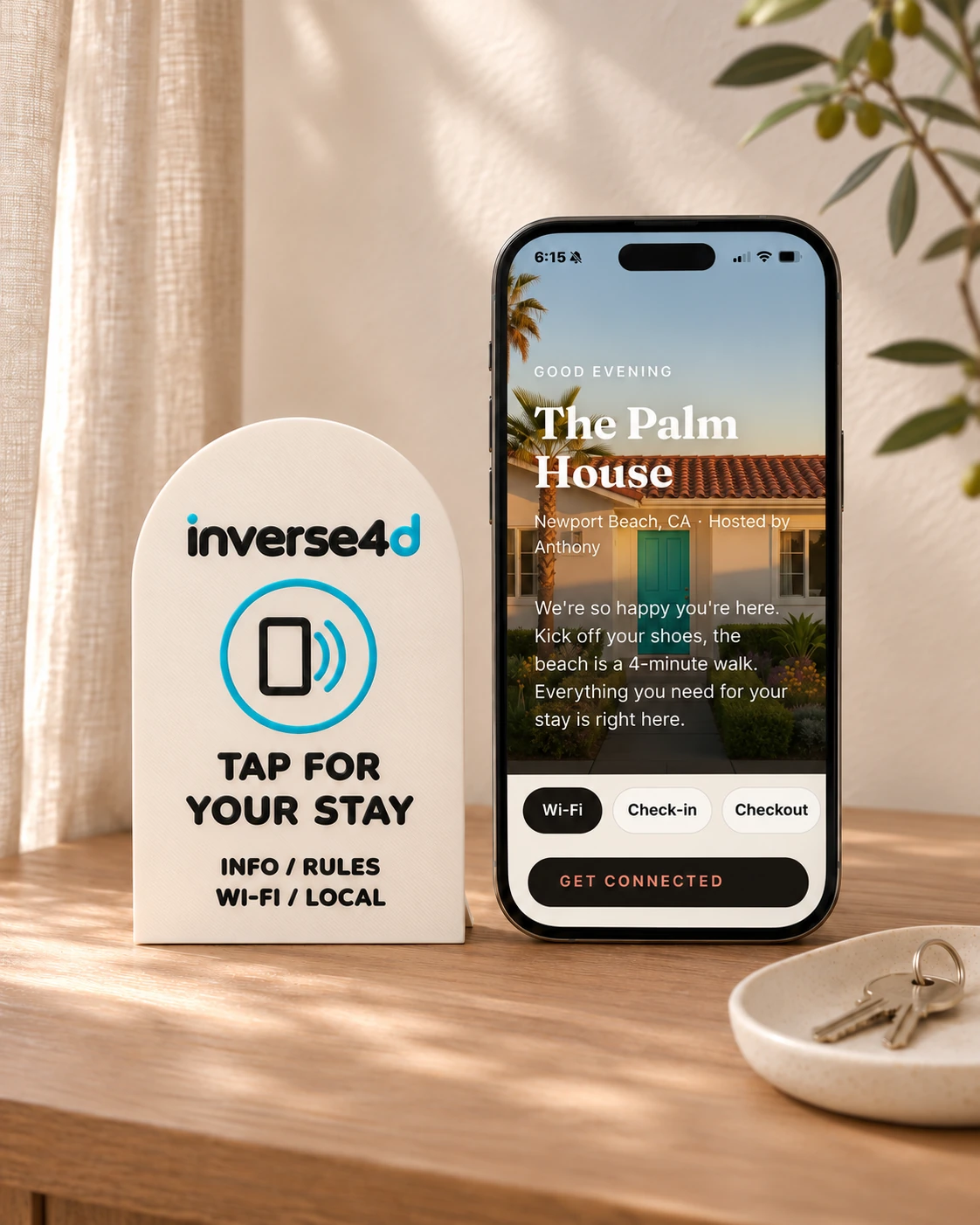
Wi-Fi. House rules. Your favorite coffee spot. A stand that puts everything guests need right on their phone.
Sets of 3, 5, 10 or 25 · From $79.99 · Ships in 5–7 days
Less back-and-forth for you.
More time enjoying the stay for them.
THE GUEST EXPERIENCE
One tap opens your finished guest guide. All the little things that make a stay feel easy, in one familiar place.
The Palm House is our example property.
Scroll the guide. Tap a section. Copy the Wi-Fi.
If the live guide doesn’t load, open it here.
FROM YOUR FIRST TAP TO THEIR FIRST STAY
Set up your guide once. Update the details whenever you need to, right from your dashboard.
When your stands arrive, tap one with your phone. Create your account and name your place.
Your photos, Wi-Fi, arrival details, rules and local favorites. The things guests always ask you.
Place the stands where guests will see them. They tap, their guide opens, and their stay begins.
New Wi-Fi password? Change it once.
Every stand opens the updated guide.
Real screens. The whole process. Sound off.
MADE TO FEEL AT HOME
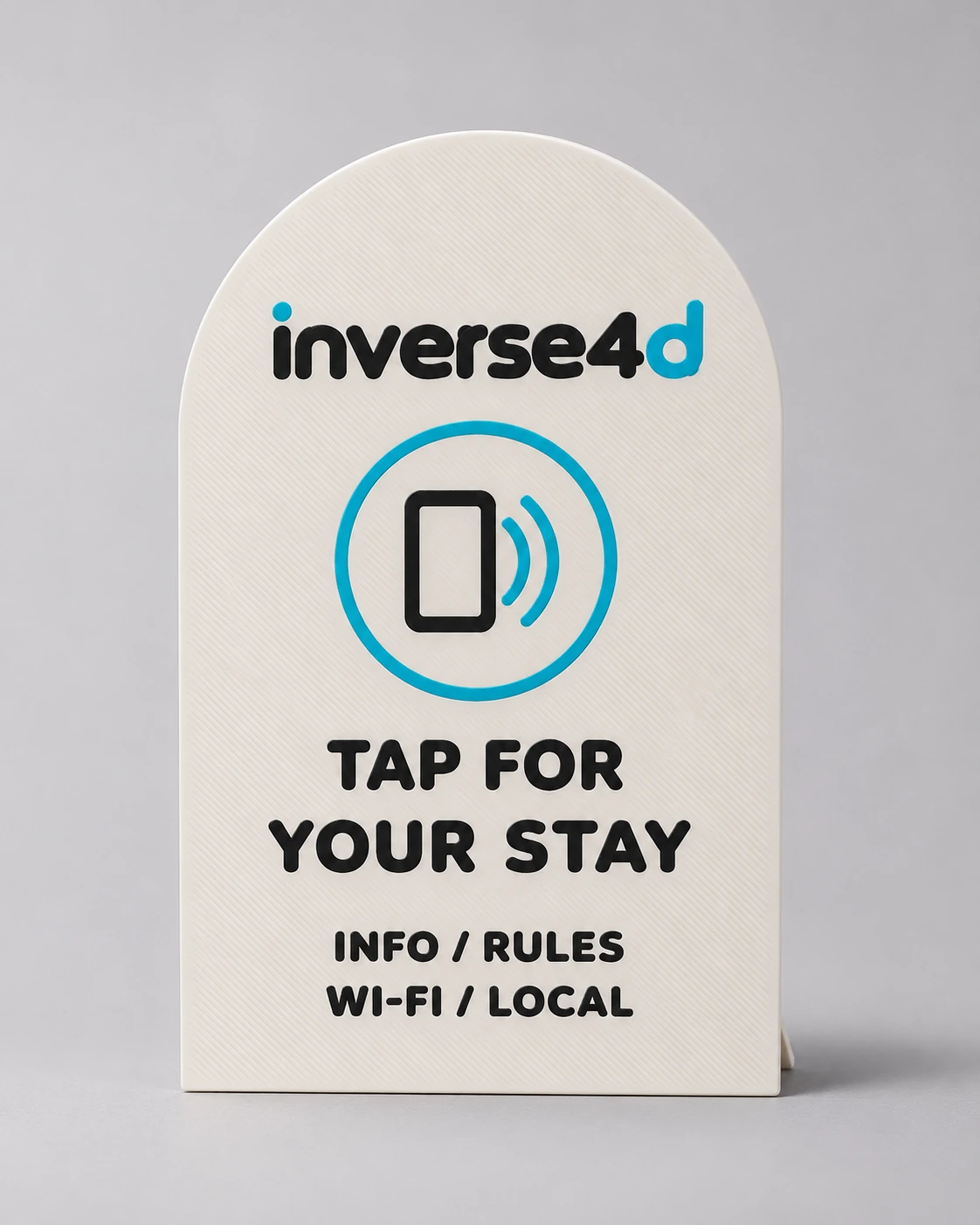
A simple arch, a slim profile and four neutral finishes. A useful little detail that looks right at home.
A tap opens your guest guide
Sets of 3 to 25. Mix and match colors.
One guide. Easy updates.
ONE GUIDE. ALL THE RIGHT PLACES.
A WARMER WELCOME STARTS HERE
Your stands, in your colors. Your own guest guide. A dashboard that keeps everything up to date.
THE LITTLE DETAILS
Simple for you.
Even simpler for your guests.
No. Guests open the guide in their phone’s browser. Modern iPhone and Android phones can open it with a tap, and you can also share the guide link.
You create your host account and set up your place. Once your guide is ready, guests who tap a stand open the completed guest guide.
Yes. Update your Wi-Fi, house rules, photos, checkout details or recommendations in your dashboard. Your stands continue opening the updated guide.
Yes. Each property gets its own guide, photos and stands. You can switch between your properties from one host account.
Put them where guests naturally look: the entry table, kitchen, bedside or near the TV. Every stand for your property opens the same guide.
Most homes use 3 to 5: the door, the kitchen and a bedside or two. Bigger homes and super hosts running several units go for 10 or 25. Every stand opens the same guide, and you can mix and match colors in any set.
Your guide is available to people who open its link, including guests who tap a stand or receive the link from you. Treat it as a guest-facing page when choosing what to include.